GTA 6 Xbox Auto Upload Bans: What’s Confirmed and the Fix
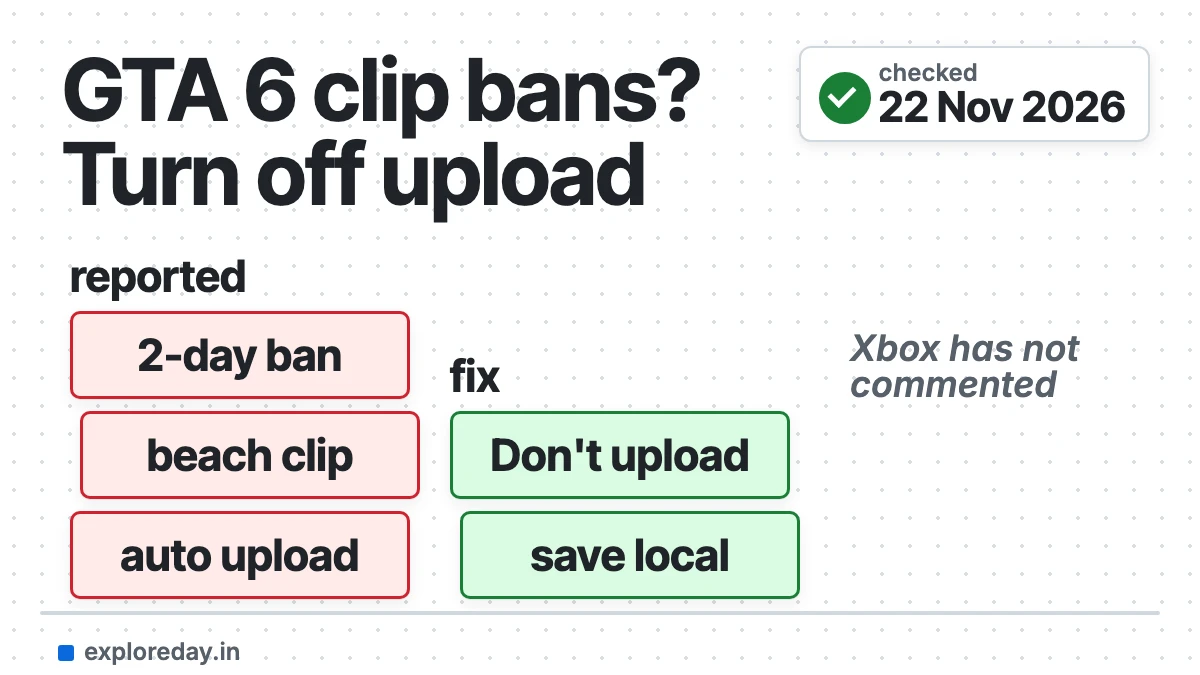
The GTA 6 Xbox auto upload bans are real reports, but small in number so far. Players say Xbox gave them a two-day suspension after a GTA 6 clip uploaded itself to the Xbox network. You are only at risk if you record clips or screenshots on an Xbox with auto upload left on.
Quick answer: Turn off automatic capture upload on your Xbox today. It takes one minute and your clips still save to the console. Microsoft and Rockstar have not commented on the GTA 6 reports as of 22 November 2026.
- Press the Xbox button on your controller to open the guide.
- Go to Profile & system > Settings > Preferences > Capture & share.
- Open “Automatically upload”. Some consoles show this as “Automatic uploads”.
- Pick “Don’t upload” for the Xbox network. Do the same for OneDrive if you want.
- Review old clips. Delete any GTA 6 capture you would not show a child.
Checked, not tested: 22 November 2026. I have not played GTA 6 and I do not own an Xbox. Nothing on this page was tested first-hand. Every claim comes from the Xbox Support pages, news reports and user posts linked in the text. Drafted with AI assistance (Claude). See how we test.
What are the GTA 6 Xbox auto upload bans?
They are short Xbox account suspensions that players link to GTA 6 clips. The clips were uploaded to the Xbox network by the console, not by hand.
The main report is a Reddit post from 20 November. The player says a 28-second beach clip was flagged right after upload. The notice read “Game clip – automatic enforcement action”.
GamesRadar covered the same case on 21 November. Twisted Voxel reported on 20 November that “some” Series X|S players were hit.
“Auto upload” is an Xbox setting. Xbox Support says captures made on a console “get automatically uploaded to the XBOX network”. So a clip can go online without you choosing to share it.
What is confirmed and what is only reported?
Xbox’s rules and settings are confirmed. The GTA 6 suspensions are user reports. This table keeps the two apart.
| Claim | Status | Source |
|---|---|---|
| Console captures upload to the Xbox network by default | Confirmed by Xbox | Xbox Support |
| Clips with nudity or sexual content are not allowed | Confirmed by Xbox | Xbox Support |
| Xbox suggests sharing Teen-rated content at most | Confirmed by Xbox | Xbox Support |
| A GTA 6 beach clip led to a two-day suspension | User report | Reddit, GamesRadar |
| The clip had no nudity | User claim, disputed | |
| An AI filter made the call | User guess | |
| Statement on GTA 6 from Microsoft or Rockstar | None found | None |
The sources disagree on one key point. The Reddit poster says the clip showed swimsuits only. Twisted Voxel says the reported clips contained nudity. I can’t tell which is right.
Nobody knows how many players are affected. Sportskeeda notes that none of the reports has been independently verified.
Why would a clip from a game Xbox sells break the rules?
Xbox applies its sharing rules to the upload, not to the game. A game can be fine to sell and its clips still not fine to post.
The Xbox Support page on offensive imagery says so plainly. Mature game content is not always fit for others to view. Its advice: “We recommend sharing content that’s rated Teen (T) at most.”
GTA 6 is rated Mature 17+, and Twisted Voxel says the rating covers nudity and strong sexual content. So normal play can produce a clip that breaks the rule.
The same page says Xbox removes the clip. It may also block you from sharing clips “for a period of days”. Repeat cases can lead to longer suspensions.
How to turn off auto upload on Xbox
Use the Capture & share menu in Settings. Xbox Support gives this exact path:
Xbox button > Profile & system > Settings > Preferences > Capture & share > Automatically uploadThat path is from the Xbox Support page Capture game clips and screenshots. A second Xbox page calls the last item “Automatic uploads”. It lists OneDrive under it.
Xbox’s pages do not name the option to choose. GamesRadar and the Reddit post both give it as “Don’t upload”. GamesRadar adds that the Xbox network and OneDrive are set one by one.
Turning this off does not stop recording. Clips still save on the console, and you can upload one by hand later. Watch it first.
How long is the Xbox auto upload ban for GTA 6?
The reports say two days. Xbox has not confirmed a length for these cases.
One notice, as Twisted Voxel describes it, ran from 23:29 on 19 November to 03:29 on 21 November. That is 28 hours. So “two days” may be a rounded figure.
Twisted Voxel says the player could not message, play multiplayer or upload media in that time. Xbox’s own page says length depends on “the severity, frequency, and nature of the violation”.
How do you check your enforcement status and appeal?
Sign in to the Xbox Enforcements page. It lists active and completed suspensions and any strikes.
- Open the Xbox Enforcements page and sign in.
- Choose the enforcement action to see its cause and effect.
- If it qualifies, select “Submit an appeal”.
- Fill in the form and select Submit.
- Check the status later on the same page.
These steps are from Xbox’s guide, How to submit a case review. Xbox says customer support can’t help with suspensions. This form is the only route.
There is a catch. Xbox says some actions can’t be appealed, including “those with shorter duration periods”. The Reddit poster says the two-day ban had no appeal option. Sportskeeda says you can appeal.
Xbox does not say how short “shorter” is. Look for the appeal button on your own notice. If an appeal wins, Xbox reverses the action and removes the strike.
Have Microsoft or Rockstar said anything?
No. I found no statement from Microsoft, Xbox or Rockstar on the GTA 6 reports. That is as of 22 November 2026.
There is an older case. In January 2024, players of Baldur’s Gate 3 reported the same thing. Xbox Support said then that suspensions “are not automatic” and that a moderator reviews each clip. GamesRadar quoted it at the time.
That does not match the “automatic enforcement action” label in the new reports. Xbox has not explained the gap.
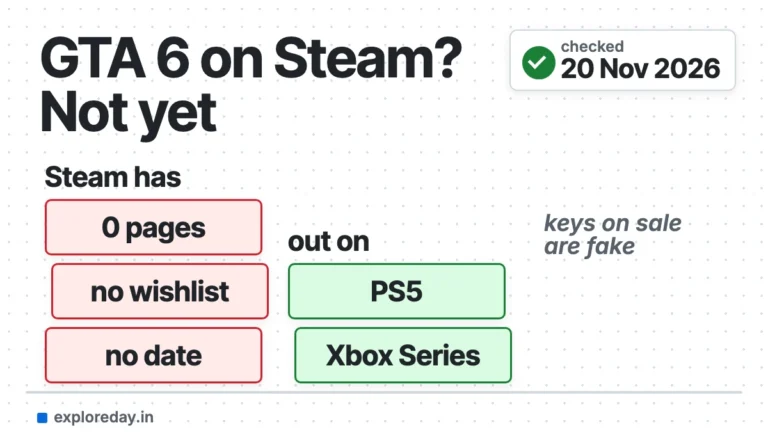
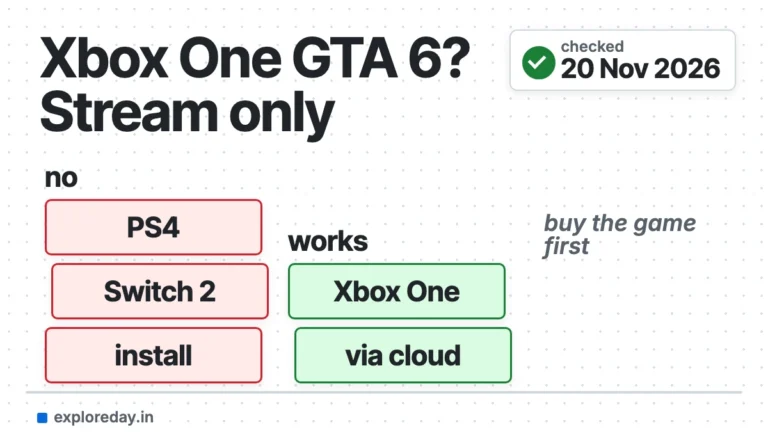
Playing somewhere other than a Series console? See GTA 6 on Xbox One and GTA 6 on PC or Mac. For the Steam question, read is GTA 6 on Steam.
What I could not check
- The menu on a real console. I have no Xbox. The path is Xbox Support’s wording, and labels may differ by update.
- The flagged clip. Nobody outside Xbox has shown it, so the nudity question is open.
- The scale. I found one detailed first-hand report and several outlets repeating it.
- Rockstar Support. I did not find a Rockstar page on this. I did not read the CharlieIntel post directly.
This page was put together by Kartikey Septa.
FAQ
Can you get an Xbox auto upload ban for GTA 6 if you never share clips?
Possibly, if auto upload is on. The console uploads captures for you. Turn the setting off to be safe.
Does turning off auto upload delete my clips?
No. Captures still save on the console. Xbox says clips already on the network may be deleted after 90 days.
Is uploading to OneDrive safer?
GamesRadar says OneDrive is more lenient. Xbox has not said that, so I would turn both off.
Does this affect PS5 players?
These reports are about the Xbox network only. I did not check PS5, and Sony has its own rules.
Is the suspension a permanent ban?
No report describes a permanent ban. The reported cases are temporary, at about two days.
More GTA 6 guides
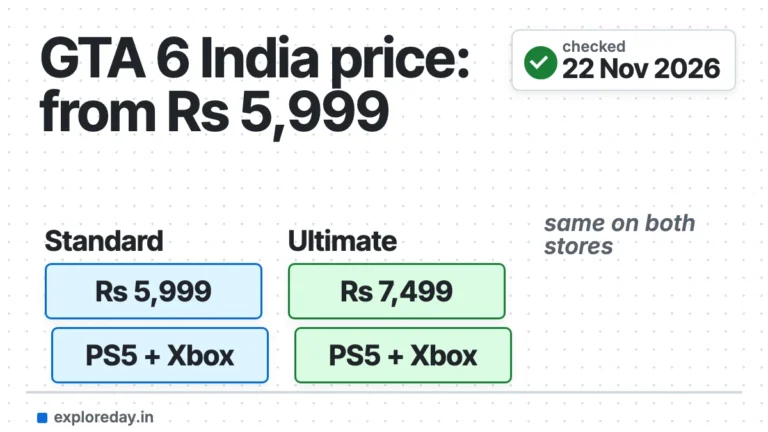
- GTA 6 price in India: Standard and Ultimate Edition prices, read from the official stores.
Sources
- Xbox Support: Capture game clips and screenshots
- Xbox Support: Back up your game captures
- Xbox Support: Protecting players from offensive imagery
- Xbox Support: Enforcements
- Xbox Support: How to submit a case review
- Xbox Support: Types of Xbox enforcement actions
- Xbox Community Standards
- GamesRadar: How to turn off GTA 6 auto uploads on Xbox (21 Nov 2026)
- Twisted Voxel: Xbox players report suspensions over GTA VI clips (20 Nov 2026)
- Sportskeeda: Can GTA 6 auto-upload ban you on Xbox? (21 Nov 2026)
- Reddit r/xbox: user report (20 Nov 2026, unverified)