GTA 6 Controls: Radio, First Person, Switch Lucia, Save
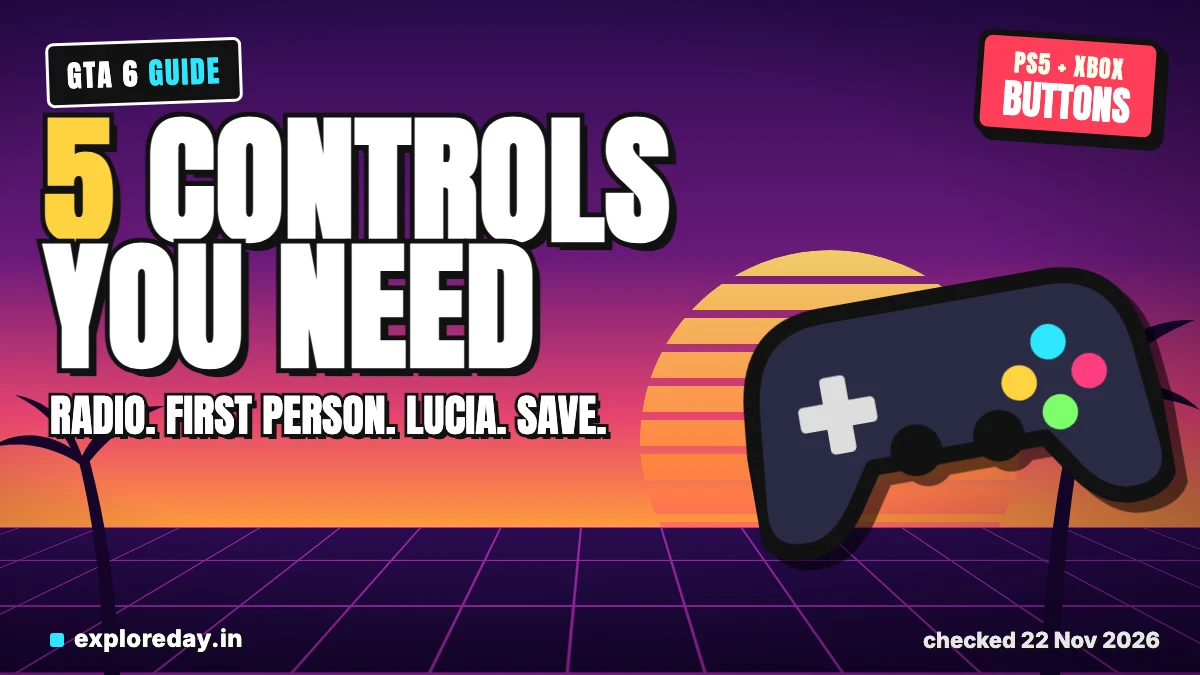
These are the GTA 6 controls people search for most: radio, first person, switching to Lucia, headlights and saving. Each answer below is a few lines, with PS5 and Xbox buttons side by side. They match the default control scheme, not Classic or Left-Handed.
Quick answer: Hold D-pad Left in a car for the radio. Hold L2 + R3 (PS5) or LT + right stick click (Xbox) for a limited first-person look. Hold D-pad Right, then R1/RB, to switch to Lucia. Circle (PS5) or B (Xbox) is headlights. GTA 6 does auto save, and you save by hand from the pause menu.
- Radio: in a vehicle, hold D-pad Left, then L1/R1 (PS5) or LB/RB (Xbox).
- First person: hold L2 + R3 (PS5) or LT + right stick click (Xbox). It is limited.
- Switch to Lucia: hold D-pad Right, then press R1 (PS5) or RB (Xbox). It opens up in the story.
- Headlights: tap Circle (PS5) or B (Xbox) in a vehicle.
- Save: pause (Options on PS5, Menu on Xbox), then Game, then Save Game. Not during a mission.
Checked, not played: 22 November 2026. Nobody at ExploreDay has played GTA 6 or pressed these buttons. The controls are compiled from the guides linked below, and they may change in a patch. Drafted with AI assistance (Claude). See how we test.
GTA 6 controls table: PS5 and Xbox
This table shows the default scheme. The last column says how well sources agree.
| Action | PS5 | Xbox Series | Sources |
|---|---|---|---|
| Radio (in a vehicle) | Hold D-pad Left, then L1/R1 | Hold D-pad Left, then LB/RB | Three guides; control tables disagree |
| Limited first person | Hold L2 + R3 | Hold LT + right stick click | Three guides |
| Switch character | Hold D-pad Right, then R1 | Hold D-pad Right, then RB | Four guides |
| Headlights | Circle | B | Four guides on PS5, two on Xbox |
| Pause (for saving) | Options | Menu | Two guides |
I found no Rockstar controls page. Every row comes from outside guides. Check the in-game controls menu before you rely on it.
How to change the radio in GTA 6 (and turn it on)
Hold D-pad Left while you are in a vehicle. A station list opens. Move through it with L1/R1 on PS5 or LB/RB on Xbox, then let go of the D-pad to play the station.
This comes from games.gg, Beebom and Gamerblurb. Beebom and Gamerblurb add that the right stick also picks a station. They say holding D-pad Left and pressing X (PS5) or A (Xbox) turns the radio off.
Sources disagree here. The button tables from Shacknews (PS5 only) and Insider Gaming list no radio entry for cars. They show a tap on D-pad Left as “indicate left” and a hold as the vehicle menu. Radio appears only on foot and in aircraft.
Common problem: tapping instead of holding. Games.gg says a quick tap just switches on the left indicator. Walking with earbuds on also plays radio, per games.gg.
How to go in first person in GTA 6
There is no full first-person mode. You get a limited view: hold L2 + R3 on PS5, or LT + right stick click on Xbox.
PowerPyx and Insider Gaming give those buttons. Engadget agrees but names only “left trigger” and “right thumbstick”.
Conditions, per PowerPyx: you cannot walk in this view. You can drive in first person only with your phone out (D-pad Up). Aiming a gun that has sights also gives it.
Common problem: expecting a toggle like GTA 5. Insider Gaming and Wikily both say there is none at launch. Insider Gaming alone says holding D-pad Down cycles three camera modes. I could not confirm that.
How to switch to Lucia in GTA 6
Hold D-pad Right to open the Partner Menu, then press R1 on PS5 or RB on Xbox. Pick Lucia from the menu.
PowerPyx, KeenGamer, Gfinity and Insider Gaming agree on the buttons. KeenGamer says a plain tap of D-pad Right sets off placed explosives.
Free switching opens up in the story, and the guides disagree on when.
- PowerPyx: after the Chapter 2 mission “Coffee Break”.
- KeenGamer: in Chapter 2, after “Breakfast Run”.
- Gfinity: the latter stages of Chapter 2.
- Insider Gaming: “What’s in the Bag”, near the end of chapter one.
Common problem: the other character is greyed out. Per PowerPyx and KeenGamer, that happens at home or when they are busy, and some missions lock you to one character. Wait, leave home or finish the mission.
How to turn on headlights in GTA 6
Tap Circle on PS5 or B on Xbox while in a vehicle. That is the default scheme.
Shacknews, Insider Gaming, Wikily and Gamerfuzion all give Circle for PS5. Only Wikily and Gamerfuzion print B for Xbox. Insider Gaming reuses the Circle label for Xbox without naming B.
Common problem: ducking. Shacknews and Insider Gaming say holding Circle makes you duck. On the Classic scheme, Insider Gaming and Gamerfuzion say it moves to Square (PS5) or X (Xbox).
Does GTA 6 auto save?
Yes, one dedicated autosave slot. Each new autosave overwrites the last one. It saves after missions, per Dexerto and Method.gg.
Dexerto adds some open-world events, like being killed or arrested. Method.gg says chapter ends and major events. An older GTA Intel piece from June said Rockstar had not detailed saving. It was written before launch, so I do not rely on it.
How to save in GTA 6 manually
Pause, open the Game tab, choose Save Game, then pick a slot. Pause is Options on PS5 and Menu on Xbox. There are 15 manual slots.
PowerPyx, Dexerto and Method.gg agree. Pick an empty slot, or overwrite one.
Common problems:
- Greyed out: manual saving is usually unavailable during a mission. Go back to free roam.
- Loading an old save can overwrite your autosave, per PowerPyx and Dexerto.
- Early game: only Method.gg says saving only starts after the prologue. Treat that as one report.
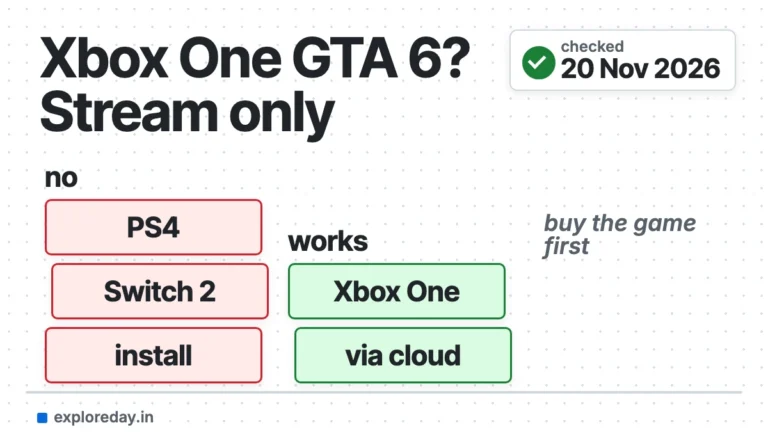
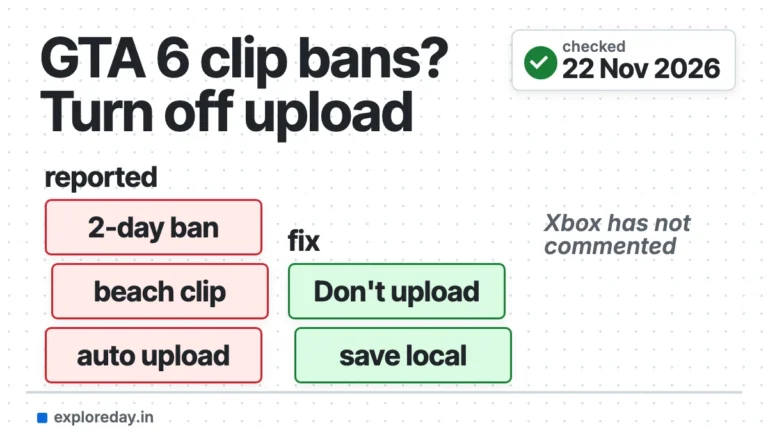
Playing on another system? See GTA 6 on PC or Mac and GTA 6 on Xbox One. Xbox owners should also read the auto upload ban reports.
What I could not check
- Any button on a real controller. Nobody here has the game.
- A Rockstar controls page. I found none, so no cell is official.
- Xbox labels. Shacknews lists PS5 only. Xbox buttons come from other guides.
FAQ
Can you turn the radio on while walking?
Games.gg says earbuds or headphones let you listen on foot. Radios inside buildings work too.
Is there a first-person mode in GTA 6?
Not a full one. Only the limited views above are reported.
Can I play the whole game as Lucia?
KeenGamer says no, because both characters have required missions. That is one source.
Why can’t I save in GTA 6?
Most often you are in a mission. Finish or leave it, then save from the pause menu.
Can I change the buttons?
Shacknews says Classic and Left-Handed layouts are in settings.
This page was put together by Kartikey Septa. See also GTA 6 price in India.
More GTA 6 guides
- How to get the key cloner in GTA 6: unlock it, clone keys and handle trackers.
- GTA 6: register a car and get it out of impound: make a car yours, keep it, and get it back.
- Is GTA 6 on Steam?: no page and no date yet.
Sources
- games.gg: how to turn on the radio (19 Nov 2026)
- Beebom: turn on the radio (19 Nov 2026)
- Gamerblurb: change radio station (19 Nov 2026)
- Shacknews: GTA 6 PS5 controls (18 Nov 2026)
- Insider Gaming: control settings (18 Nov 2026)
- Wikily: controls (18 Nov 2026)
- Gamerfuzion: controls (no date shown)
- PowerPyx: first-person view (18 Nov 2026)
- Insider Gaming: first person (18 Nov 2026)
- Engadget: camera views (19 Nov 2026)
- PowerPyx: switch between Lucia and Jason (18 Nov 2026)
- KeenGamer: switch characters (18 Nov 2026)
- Gfinity: switch characters (19 Nov 2026)
- Insider Gaming: when you can switch to Lucia (18 Nov 2026)
- PowerPyx: how to save (18 Nov 2026)
- Dexerto: how to save (no date shown)
- Method.gg: how to save (19 Nov 2026)