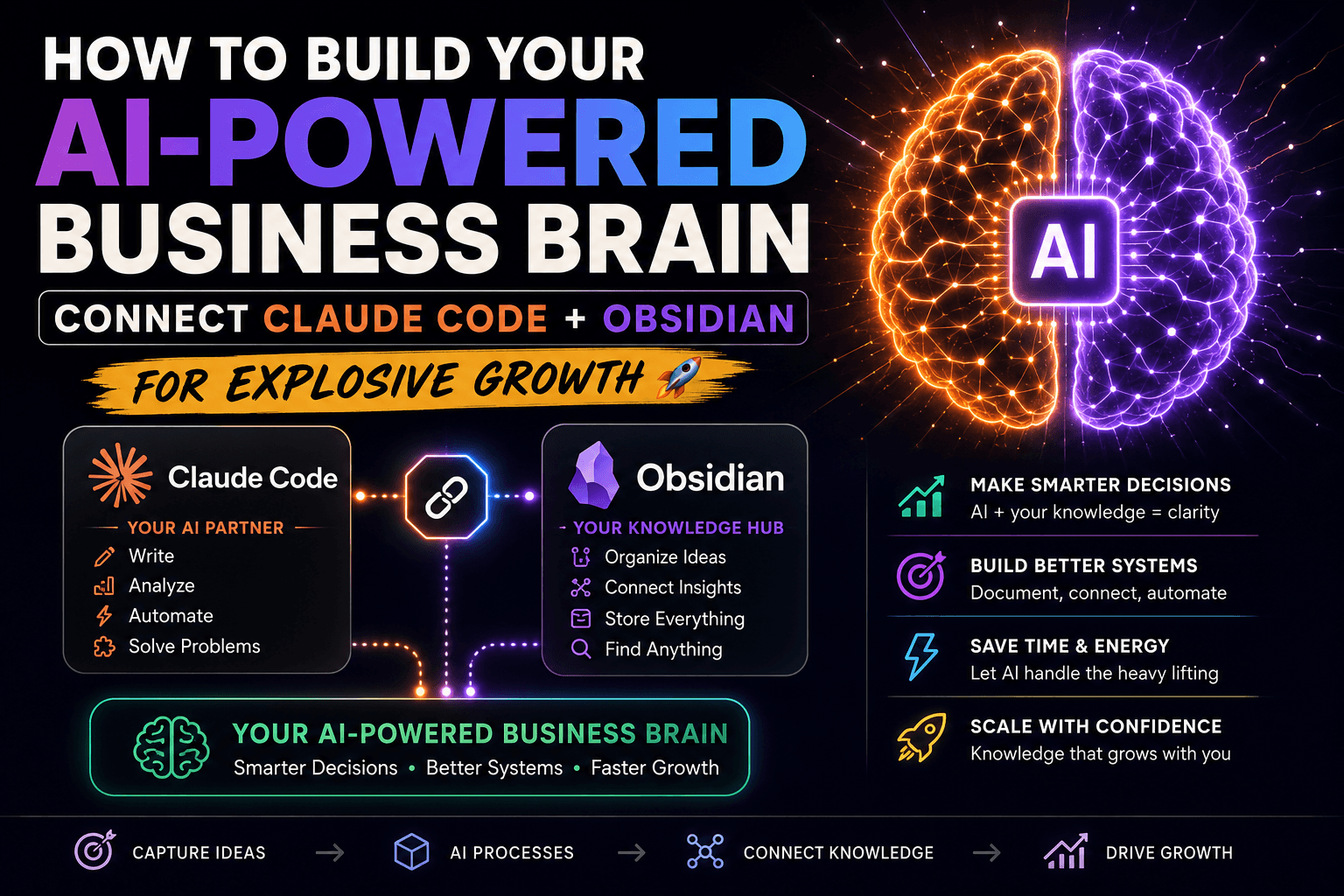
How to Build Your AI-Powered Business Brain: Connect Claude Code + Obsidian for Explosive Growth (2026 June Guide)
Introduction: The AI Revolution in Content Creation & Business Intelligence
The digital landscape of 2026 demands smarter, faster solutions. Traditional content creation methods are becoming obsolete. What if you could give Claude AI access to your entire knowledge base, business framework, client information, and strategic notes in real-time?
That’s exactly what Claude Code + Obsidian integration enables.
Think of it like giving Claude a filing cabinet with all your expertise stored inside. Instead of Claude knowing only what you type in the chat, it can now read everything in your Obsidian vault and provide personalized, context-aware answers that no generic AI prompt could ever produce.
This comprehensive guide shows you how to build your AI Business Brain—combining proven Google Discover strategies, advanced SEO techniques, and intelligent content automation to rank higher, publish faster, and monetize better.
What You’ll Learn:
- How to set up Claude Code + Obsidian for maximum productivity
- Proven Google Discover strategies that generated 14+ million views
- SEO optimization techniques that work in 2025
- How to create 20+ articles daily without burning out
- Monetization strategies for Discover traffic
- Content automation using AI (the right way)
Part 1: Building Your AI Business Brain
Chapter 1: Understanding the Power of Connected Knowledge
What is Claude Code?
Claude Code is an advanced AI assistant that lives inside VS Code—the industry-standard code editor. Unlike ChatGPT in a browser tab, Claude Code integrates directly into your development environment and has the ability to read and understand your entire workspace, including all your notes, documents, and knowledge base.
What is Obsidian?
Obsidian is a note-taking application that stores your knowledge in a local vault—a simple folder on your computer where all your notes live. It’s a second brain for your business:
- Expert frameworks
- Business strategies
- Client information
- Personal insights
- Video transcripts
- Market research
When Obsidian integrates with Claude Code, you unlock a game-changing capability: context-aware AI that knows YOUR business.
Step 1: Install Claude Code Inside VS Code
What You Need Before Starting:
- VS Code – Download free from code.visualstudio.com
- Obsidian – Download free from obsidian.md
- Claude Pro or Max Subscription – Required for Claude Code access (Free tier doesn’t include this feature)
Installation Steps:
- Open VS Code
- On the left sidebar, click the Extensions icon (looks like four squares)
- Search for “Claude Code“
- Click Install
- When prompted, sign in with your Claude account
- Claude Code is now live inside your VS Code
That’s it. You now have a powerful AI assistant embedded in your code editor.
Step 2: Open Your Obsidian Vault in VS Code
Your Obsidian vault is simply a regular folder on your computer where all notes are stored. Making it accessible to Claude Code is straightforward:
- In VS Code, click File → Open Folder
- Select your Obsidian vault folder
- Click Open
Claude Code can now read every single file in your vault. Your notes, frameworks, and strategic documents are instantly accessible to AI for personalized analysis and recommendations.
Step 3: Fill Your Vault with Valuable Knowledge
This is where the magic happens. The quality and quantity of knowledge in your vault directly determines the quality of Claude’s responses.
Content Sources to Add:
1. Expert Frameworks & Video Transcripts
- Go to YouTube and find experts in your industry
- Click the three dots under any video
- Select Show Transcript
- Copy the full transcript
- Create a new note in Obsidian and paste it
Examples:
- Alex Hormozi’s marketing strategies
- Neil Patel’s SEO frameworks
- Gary Vee’s content marketing principles
- Industry-specific thought leaders
2. Your Own Business Intelligence
- Your business model and offers
- Customer pain points and solutions
- Competitor analysis
- Market research findings
- Pricing strategies
- Target audience profiles
3. Client Information & Case Studies
- Previous client success stories
- Customer testimonials
- Industry-specific solutions you’ve created
- Results and metrics achieved
4. Personal Insights & Learnings
- What works and what doesn’t in your niche
- Failures and lessons learned
- Unique perspectives
- Decision-making frameworks
The more knowledge you add, the sharper and more personalized Claude’s answers become.
Step 4: Ask Claude Anything Using Your Knowledge
Now comes the game-changer. With your vault connected, you can ask Claude highly specific, contextualized questions:
Example Prompt:
“Read my Hormozi notes and build me a cold outreach strategy for my business. My business is [YOUR BUSINESS], my audience is [YOUR AUDIENCE], my goal is [YOUR GOAL].”
Claude will:
- Access your Hormozi transcript
- Review your business profile
- Understand your specific audience
- Generate a personalized strategy combining both
More Powerful Prompts:
- “Analyze my competitor research notes and identify 3 untapped market opportunities I should pursue.”
- “Based on my client case studies, what’s the primary success factor across my best customers?”
- “Review my content calendar and my performance data. What content topics should I focus on next month?”
- “Create a complete sales funnel for my business using my existing frameworks and results.”